
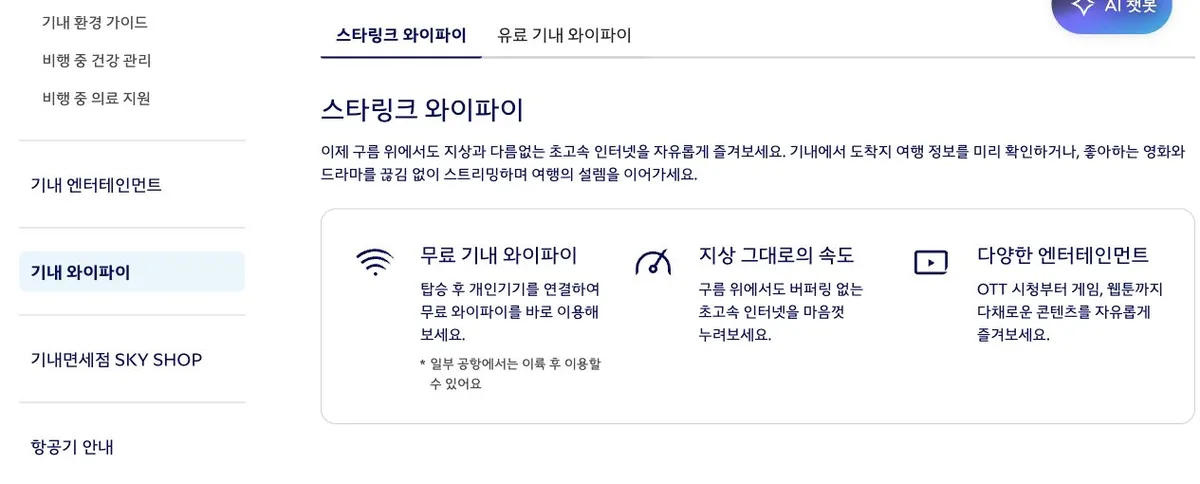
Korean Air began providing free Starlink inflight Wi-Fi on September 15. It is free in every cabin on an aircraft fitted with Starlink, rather than on every Korean Air aircraft.
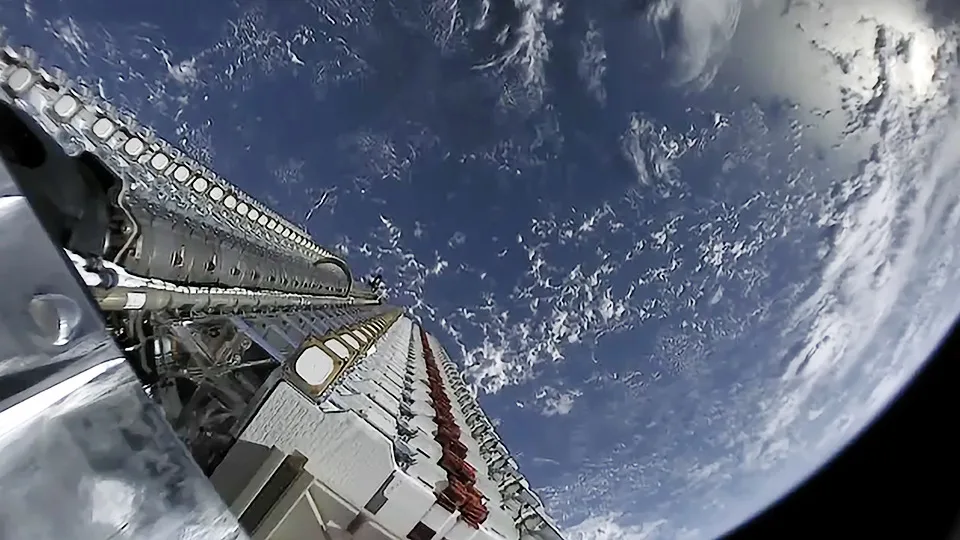
The September 11 launch announcement covered three A350-900s and one 777-300ER. That is the initial deployment, not a verified current fleet-wide installation count. Aircraft assignment matters even within the same type.
Availability on your flight
| Check | Official guidance and preparation |
|---|---|
| Price | Free in all cabins on Starlink-equipped aircraft |
| Actual availability | Check Korean Air’s flight-specific Wi-Fi guidance and onboard instructions |
| Geographic limits | Restrictions in some airspace, including China, India and Pakistan |
| Connection start | At some airports, use begins after takeoff |
| Interruptions | Weather, satellite connectivity and other conditions may limit service |
My suggestion is to finish work that depends on a reliable connection before departure. Save your e-ticket and accommodation address offline as well.
Network connection and verification
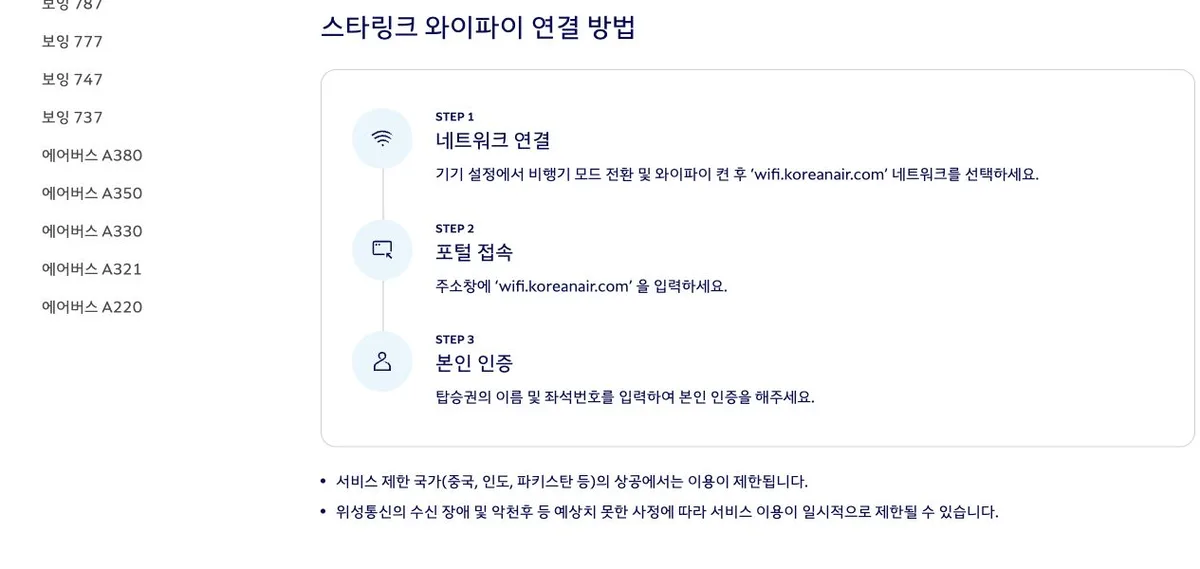
Korean Air’s official Starlink instructions give these steps:
| Step | Action |
|---|---|
| 1 | Select wifi.koreanair.com in the device’s Wi-Fi settings |
| 2 | Open wifi.koreanair.com in a browser |
| 3 | Verify using the name and seat number on your boarding pass |
If the page does not open automatically, enter the address in the browser. Follow the instructions for the actual aircraft and the cabin crew’s guidance.
Free service and usage limits
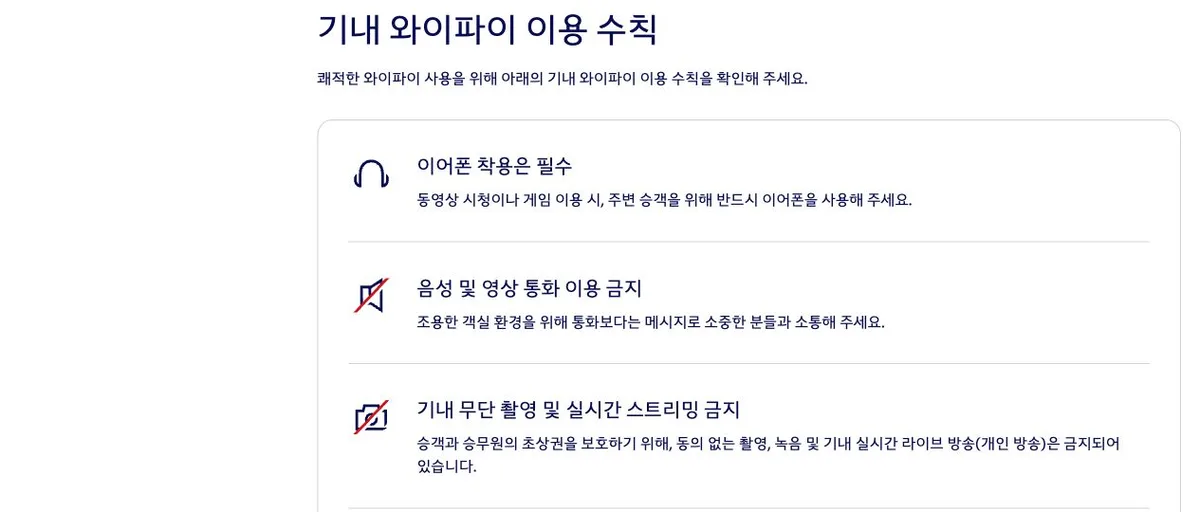
Internet voice and video calls and live broadcasts are restricted. Use earphones for audio and respect other passengers’ privacy when recording.
Free Wi-Fi does not mean you can hold a video meeting. Plan around tasks such as email and messaging that do not require calls. I have not measured the speed or connection quality on individual flights.
Official screen sources: 1
Official screens and key conditions rechecked: October 4, 2026
Was this post helpful?


Leave a note
A question, a tip, or your own experience. No account needed.
Loading comments…