
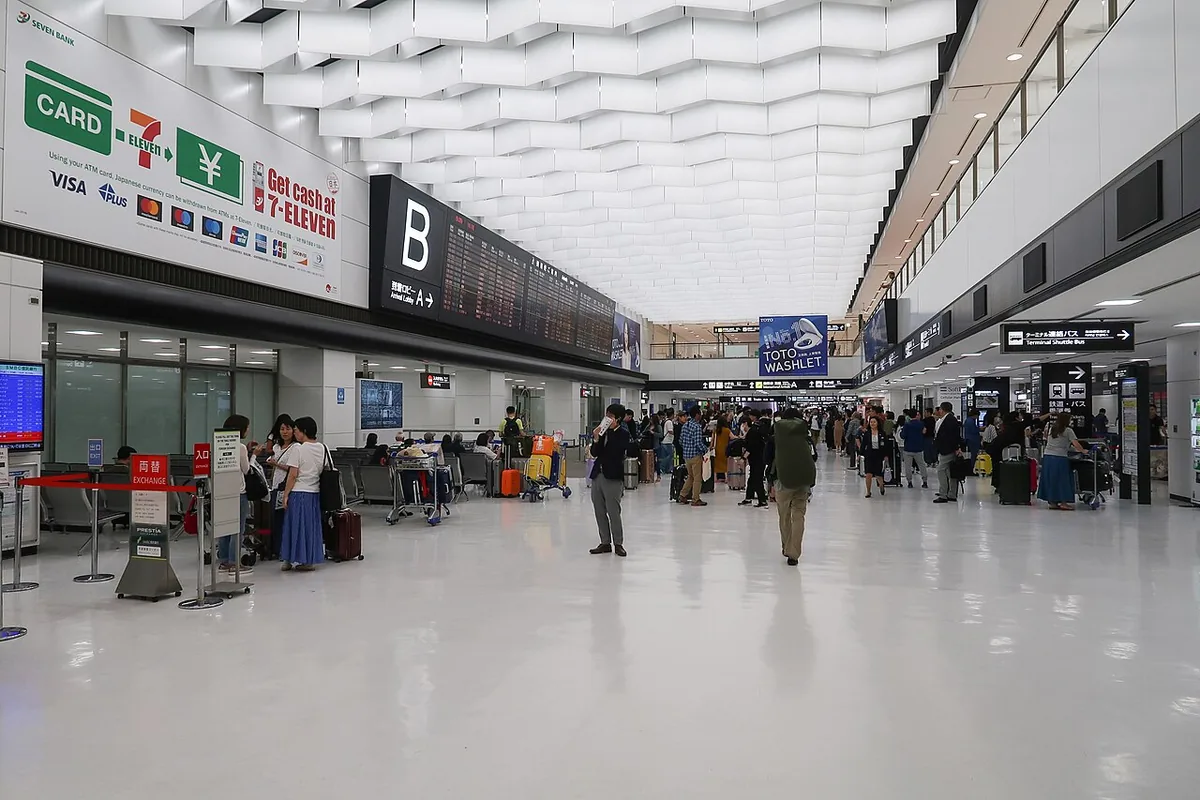
Arriving at Narita just got a little quicker.
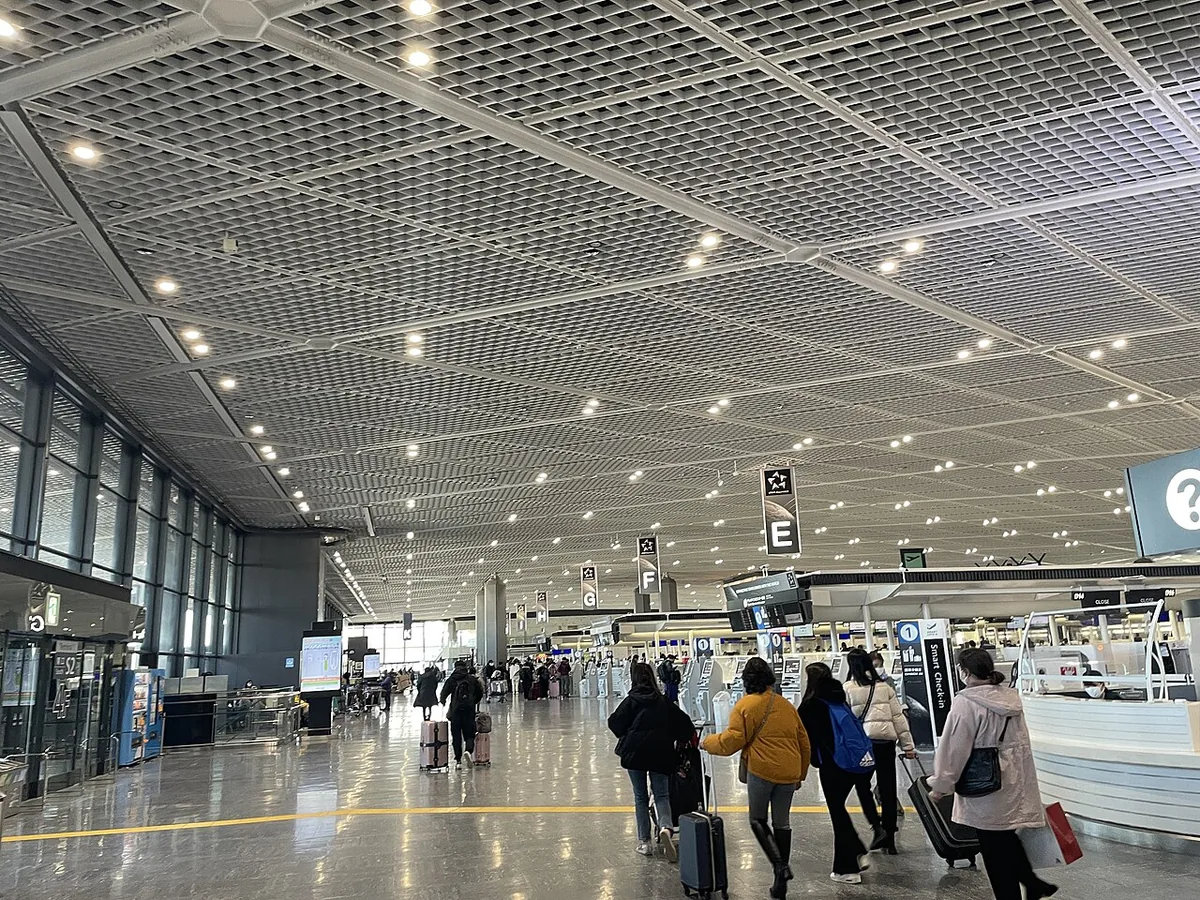
Since September 24, Narita Terminals 1 and 2 have “joint kiosks”.
Until now you showed your passport at immigration and again at customs.
These kiosks take the information for both in one go.
What changes
From the September 18 announcement by Japan Customs and the Immigration Services Agency (in Japanese):
| Item | Details |
|---|---|
| Start | September 24, 2026 |
| Where | Narita Terminals 1 and 2 |
| Number | 177 kiosks |
| You need | Visit Japan Web QR code + e-passport |
| Submitted at once | Passport details, face photo, customs declaration |
Panasonic Connect, which supplied the 177 kiosks, announced the rollout the same day.
Airports that already have them
Narita T1 and T2 are the latest additions. These were already running:
| Airport | Terminals |
|---|---|
| Haneda | Terminals 2 and 3 |
| Kansai | Terminals 1 and 2 |
| Narita | Terminal 3 (now also 1 and 2) |
| Fukuoka | International |
That covers almost every major Japanese airport people fly into from Korea.
How it works for visitors
- At the joint kiosk, scan your Visit Japan Web QR code and passport and follow the screen
- Go to the dedicated immigration booth for kiosk users
- Collect bags; if customs does not need to inspect you, walk through with face recognition
One thing to be clear on:
the kiosk does not replace immigration.
You still see an immigration officer, and customs may still check your bags.
But you show your passport fewer times and use a dedicated booth, so the whole process is shorter.
Before you fly
Most important: finish your Visit Japan Web registration in advance.
No QR code, no kiosk.
If the app’s arrival screen shows “Immigration and customs declaration” as not registered, there is no QR code yet.
Fill that part in and the code for the kiosk appears.
I have a step-by-step guide with screenshots:
→ How to register on Visit Japan Web
You will need to open the QR code on arrival, so make sure your phone is charged and has data (SIM, eSIM or roaming).
Related
It is not just arrival that is changing.
From November 1, the tax-free process on departure changes too. If you have tax-free items, go to the airport kiosk before checking your bags.
→ Japan’s November 1 tax-free change
Sources: Japan Customs – joint kiosks at Narita T1 and T2 · Panasonic Connect press release
Checked September 26, 2026



Leave a note
A question, a tip, or your own experience. No account needed.
Loading comments…